
From the homescreen of the tablet, tap the Grass SMART icon.
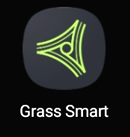
If the icon is not on the homescreen of the tablet, swipe left and right on iOS to view your other homescreens, or on Android, swipe up or tap the Apps icon to open the app list.

The app will open.
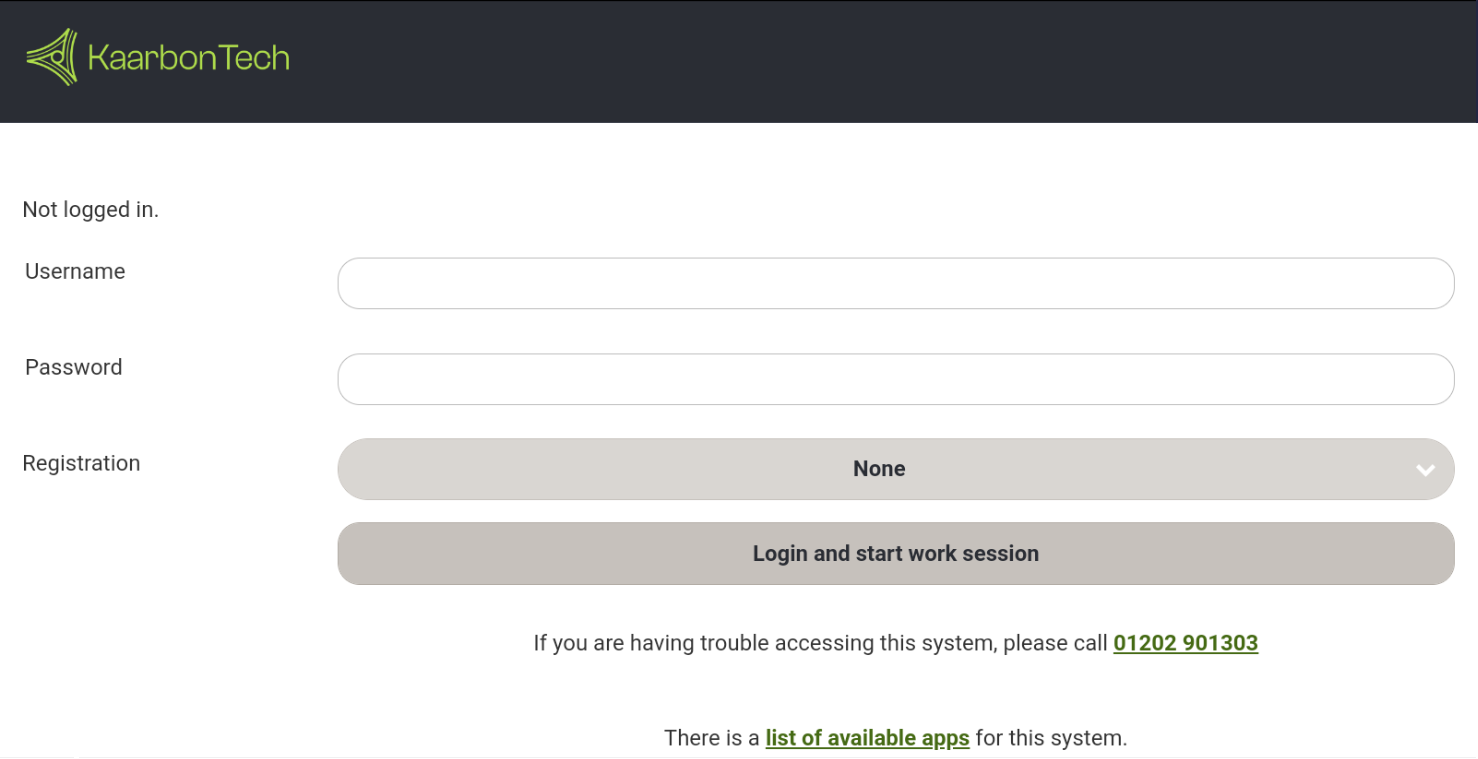
Enter your username, password, and if required, tap the Registration menu and select your vehicle registration from the list.
Tap Login and start work session.